

Download To Do Reminder with Alarm APK – Reminder App, Task Manager, Daily Planner, Alarm Tool, Android Software
Overview
To Do Reminder with Alarm is a dedicated Android application developed by App Innovation, designed to assist users in managing daily tasks and important events through timely notifications. The app functions as a simple yet effective reminder tool, helping individuals stay organized by alerting them to upcoming responsibilities such as appointments, medication schedules, bill payments, assignments, and personal milestones like birthdays and anniversaries. Its primary purpose is to reduce the risk of missed tasks through customizable alarms and an intuitive interface.
The target audience includes students, professionals, and general users seeking a lightweight, no-frills solution for personal task management. The app is available as a full version, indicating that all core functionalities are accessible without in-app purchases or time-limited trials. Real-world usage scenarios include setting recurring alarms for daily routines, tracking project deadlines, or remembering health-related tasks.
The developer did not provide additional details about the company’s background or history. Platform compatibility is limited to Android, with no information on specific device requirements or supported Android versions.
Key Features & Capabilities
- Task Creation – Users can quickly add new reminders with minimal input, enabling fast task logging for immediate use.
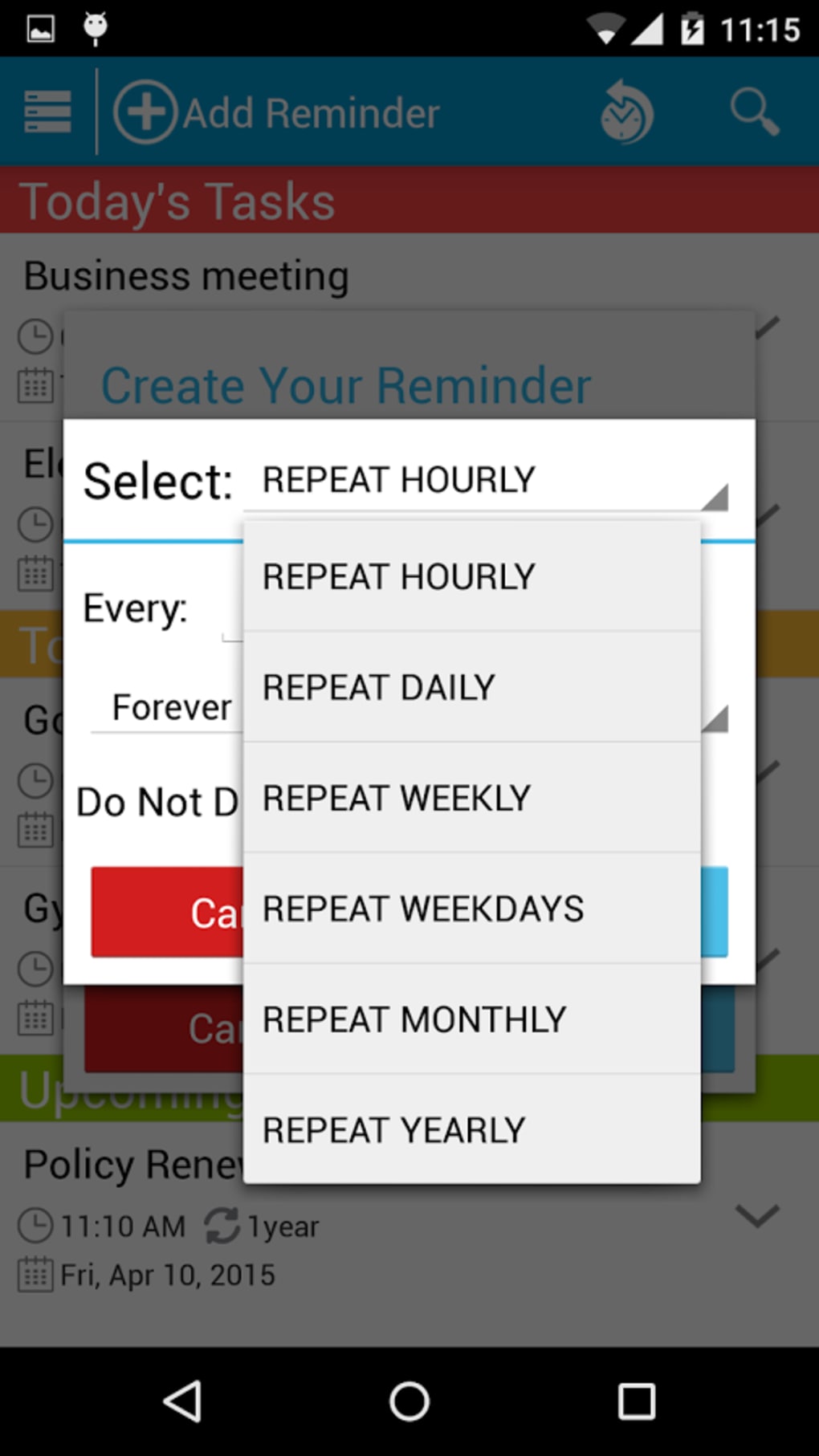
- Customizable Alarms – Each reminder can be paired with a personalized alarm, allowing users to set specific times and notification preferences.
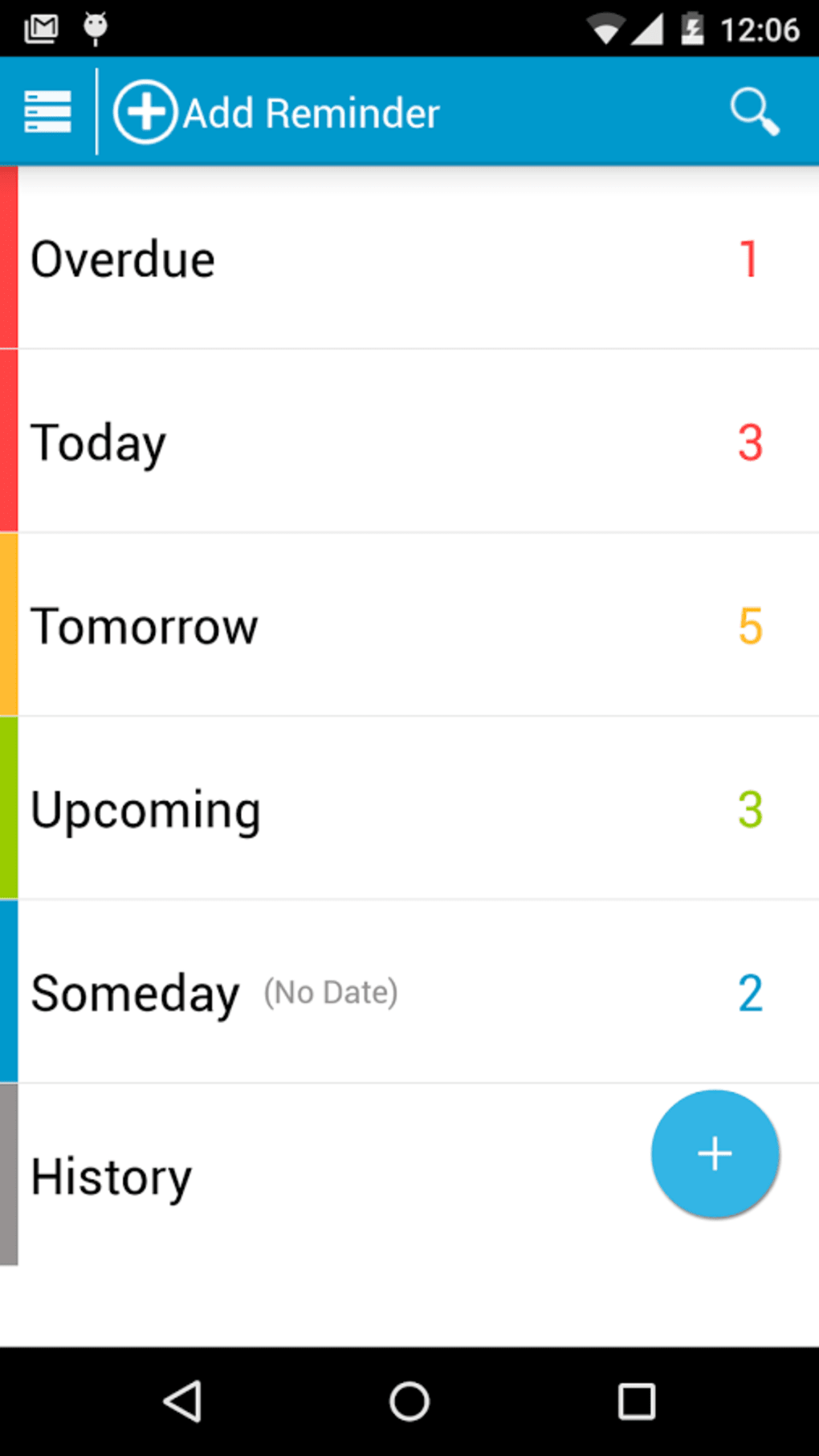
- Task List Management – A centralized list displays all pending and completed tasks, helping users track progress and maintain accountability.
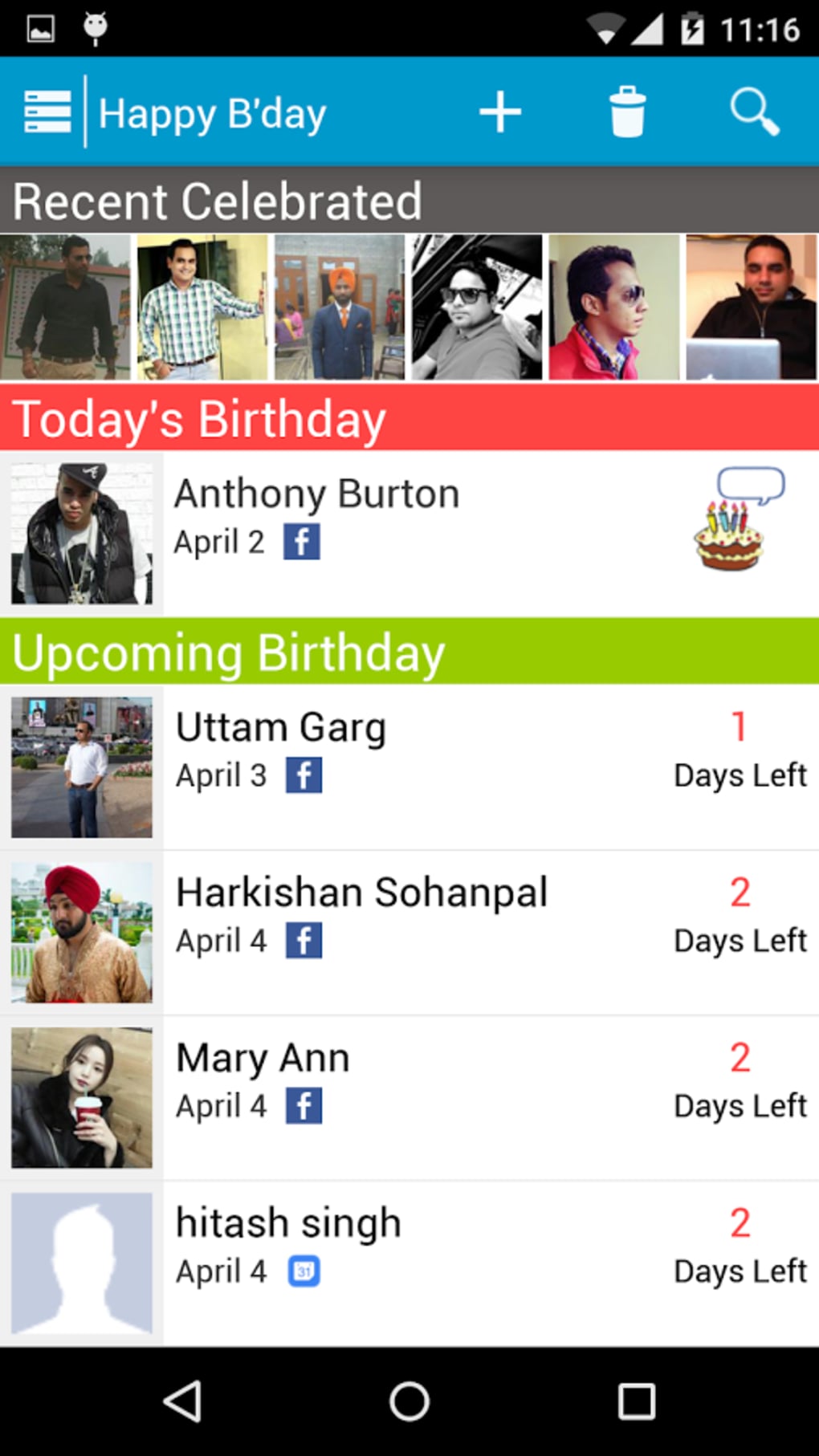
- Event Reminders – The app supports reminders for both recurring and one-time events, including personal and professional milestones.
- Simple Interface – The clean, minimal design prioritizes usability, reducing cognitive load and enabling quick navigation.
These features are particularly useful in real-life situations such as scheduling daily medication, preparing for work meetings, or remembering upcoming bill due dates. The ability to create and manage tasks in seconds makes it ideal for users who value speed and simplicity. The app’s focus on core functionality ensures that users are not overwhelmed by unnecessary tools or complex workflows. While advanced features like calendar sync, cloud backup, or task categorization are not mentioned, the app appears to prioritize accessibility and immediate usability over extensive customization. This makes it suitable for users who prefer a straightforward approach to task tracking without the need for integration with other platforms.
User Interface, Workflow & Performance
The app features a clean, minimal user interface with a focus on clarity and ease of use. Navigation is designed around a central task list, with intuitive controls for adding, editing, and marking tasks as complete. The workflow is streamlined: users can create a new reminder, assign an alarm, and save it in under 10 seconds.
This rapid input process supports quick task logging during busy moments. The developer did not specify resource usage details, so exact performance metrics such as CPU or RAM consumption are unknown. However, based on general software behavior patterns, the app is expected to operate efficiently on modern Android devices.
Stability and reliability are not explicitly addressed, but the app’s lightweight nature suggests low system impact. The absence of reported crashes or performance issues in public listings indicates consistent operation under normal usage conditions. The app does not appear to require constant background activity, which may contribute to better battery efficiency.
Overall, the user experience is designed to be frictionless, with minimal steps between task creation and notification delivery.
Compatibility & System Requirements
To Do Reminder with Alarm is designed for Android devices and is available as an APK file for direct download. The specific operating system version requirements were not provided by the developer. Installation size information is also not specified, so exact storage usage cannot be determined.
Compatibility details are limited to the Android platform, with no indication of support for other systems such as iOS or desktop environments. The developer did not list any hardware requirements, such as minimum RAM, processor speed, or screen resolution. As a result, users are advised to install the app on standard Android devices to ensure proper functionality.
Exact system requirements were not listed, and performance behavior on older or low-end devices remains unverified. Users should ensure their device meets general Android compatibility standards to avoid installation issues.
Pros and Cons
Pros
- Simple, clean interface ideal for quick task entry and management.
- Fast creation of reminders with alarm integration.
- Available as a full version with no restrictions.
- Effective for daily tasks, personal events, and health reminders.
- Lightweight design with minimal system impact.
Cons
- No information on advanced features like cloud sync or backup.
- Missing details on system requirements and file size.
- Not available for non-Android platforms.
- Limited customization options for alarms and task categories.
- Developer background and support channels not publicly disclosed.
FAQ Section
Is To Do Reminder with Alarm compatible with all Android devices?
Compatibility is limited to Android, but specific device or OS version requirements were not provided by the developer. Users should ensure their device runs a standard Android operating system.
Is the app safe to download and use?
The app is available for free download on Google Play, which provides a layer of security through app review processes. However, users should verify the developer name and app permissions before installation.
Does the app require an internet connection?
The app functions primarily offline, allowing users to create and manage reminders without an active internet connection. However, updates may require internet access.
Can I update the app after downloading?
Updates are available through Google Play, provided the app is installed from the official store. Users can receive automatic or manual updates as needed.
What type of license does the app use?
The app is distributed as a full version, meaning all features are accessible without time limits or in-app purchases. No specific license type was disclosed.
Final Thoughts
To Do Reminder with Alarm delivers a straightforward, no-nonsense solution for users seeking a reliable task reminder tool on Android. Its minimalist design and rapid workflow make it ideal for individuals who value speed and simplicity over advanced features. While the app lacks detailed information on system requirements, customization options, and cross-platform availability, its core functionality remains effective and accessible.
It is particularly beneficial for students managing assignments, professionals tracking deadlines, and individuals maintaining personal health routines. The absence of ads or in-app purchases enhances the user experience. For those looking for a secure, lightweight, and easy-to-use reminder app, this tool offers a solid foundation.
Download To Do Reminder with Alarm now to start your day with greater organization and peace of mind.





.png)

